
The Network Your Home Needed From Day One
Or: There’s a Reason Your ISP Router Was Free
If you have any of these problems with your home Wi-Fi:
Weak coverage in parts of the home
Dropouts during video calls
Lag in online gaming
Slow speeds when multiple people are online
Poor roaming between floors
Interference from neighbouring networks
Limited security and no proper network separation
Read on for the proper solution. And even if your network seems ‘fine’, it can certainly be improved - more performant, more secure, more versatile.
Your home network is the foundation upon which modern connected life is built.
Without a strong, reliable and secure network, everything above it crumbles: remote working, TV and music streaming, video calling, online gaming, and all of the home’s smart connected devices.
Standard routers supplied by Internet providers simply aren’t designed for today’s reality of work laptops, smart TVs, game consoles, security cameras, smartphones and tablets, and dozens of other Internet-connected devices all competing for the same weak signal.
They’re designed to be inexpensive, simple and ‘good enough’ for basic connectivity. They can’t deliver reliable whole‑home coverage, they struggle with the number of devices, and lack the advanced security features that today’s homes need, leaving everything on a single flat, less secure network, where every device can see every other.
The result: dead zones, dropped video calls, buffering video, Wi-Fi that needs frequent rebooting, and a lot of frustration. And, even when things work, the ongoing security risks.


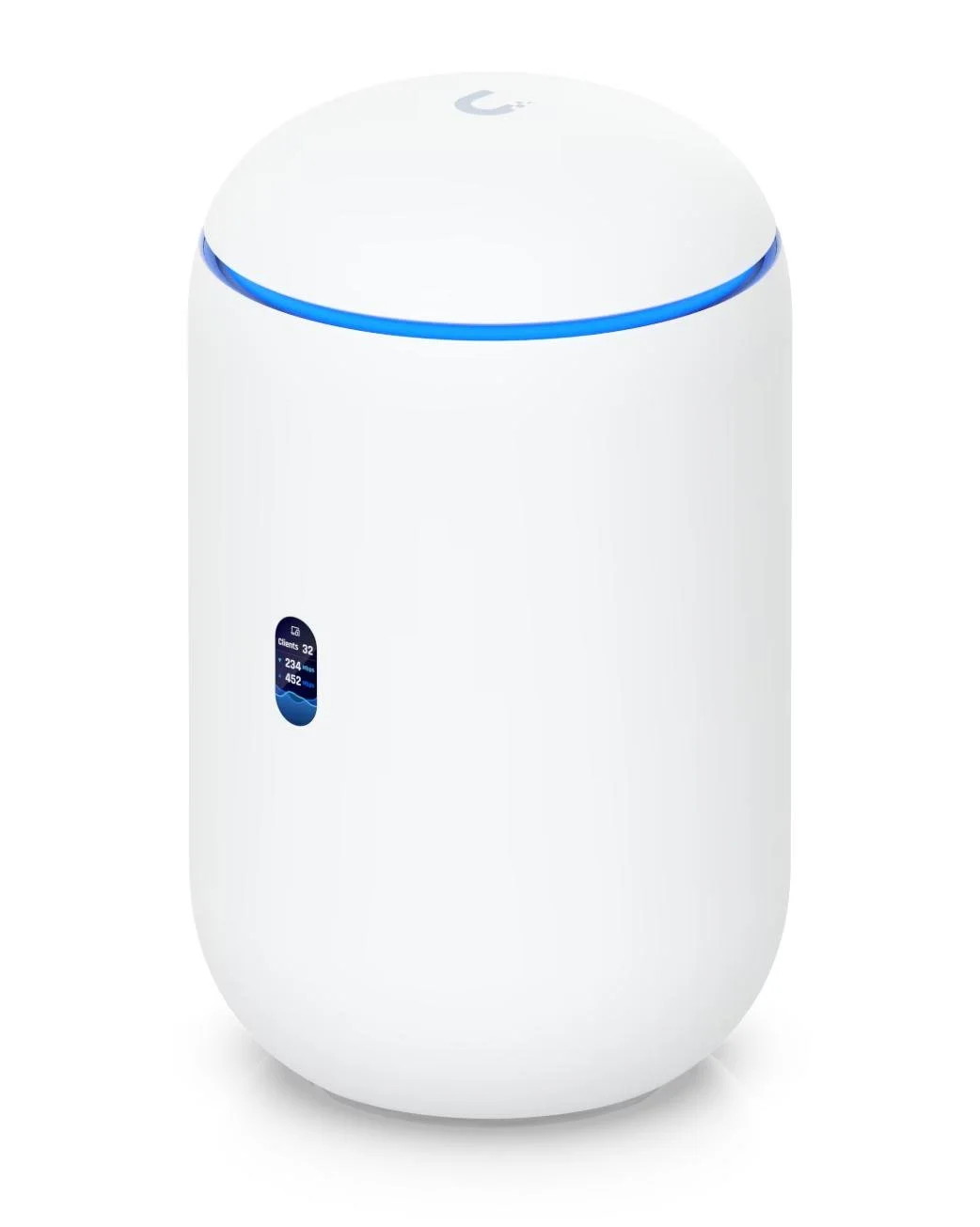
UniFi entry-level routers, great for smaller homes: Dream Router 5G Max and Dream Router 7
See the full range at ca.store.ui.com/ca/en/category/all-cloud-gateways
Next-Level Networking for Your Home
A properly designed home network fixes this permanently. You get strong, stable Wi‑Fi in every room, fast speeds everywhere, and a system that has huge capacity for hundreds of devices, so stays reliable even when the whole family is online.
We overhaul your home infrastructure with a custom network architecture designed for maximum performance, total coverage, and top security. It is enterprise grade without the usual cost.
There is usually little or no downtime for your devices. They can stay connected to the existing network while we configure the new one, and then switch them over when ready.
The Results You Can Expect
Wall to wall coverage: Wi‑Fi that reaches every room, every floor, and even outdoor spaces, without dead zones or weak spots.
Fast, stable Wi-Fi that doesn’t let you down: video calls stay smooth, streaming never buffers, and gamers stop complaining about lag. Everything works the way it should, even when the whole family is online.
Seamless movement between floors: walk around your home without your phone or laptop clinging to a weak access point. Your devices quietly switch to the strongest signal, and you never notice the handoff.
Huge capacity for every device: phones, tablets, TVs, cameras, speakers, laptops, smart appliances… all connected at once without slowing down. Your network finally feels built for real life.
Security from enterprise-grade design: your work devices stay private, your kids’ gadgets stay safe, and your smart home equipment stays isolated from the rest of your network. Peace of mind built in.
Smart-home devices that behave themselves: lights, cameras, thermostats, and voice assistants that respond instantly and consistently, without random disconnects.
A network designed around the way your family actually lives: access points placed exactly where they’re needed. Not a generic system - your system.
It’s the difference between “the Wi-Fi works most of the time” and “the Wi-Fi just works - everywhere, all the time.”
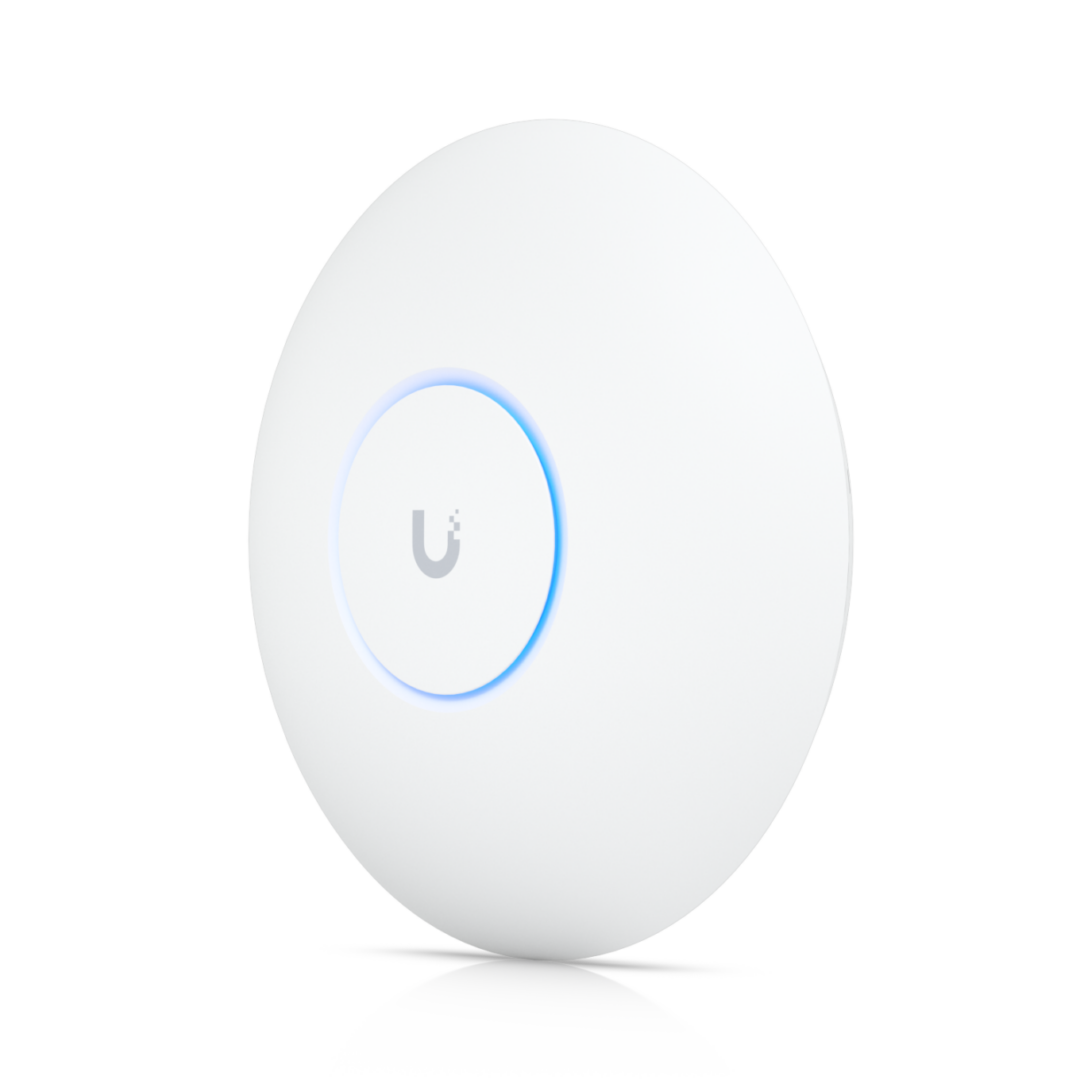
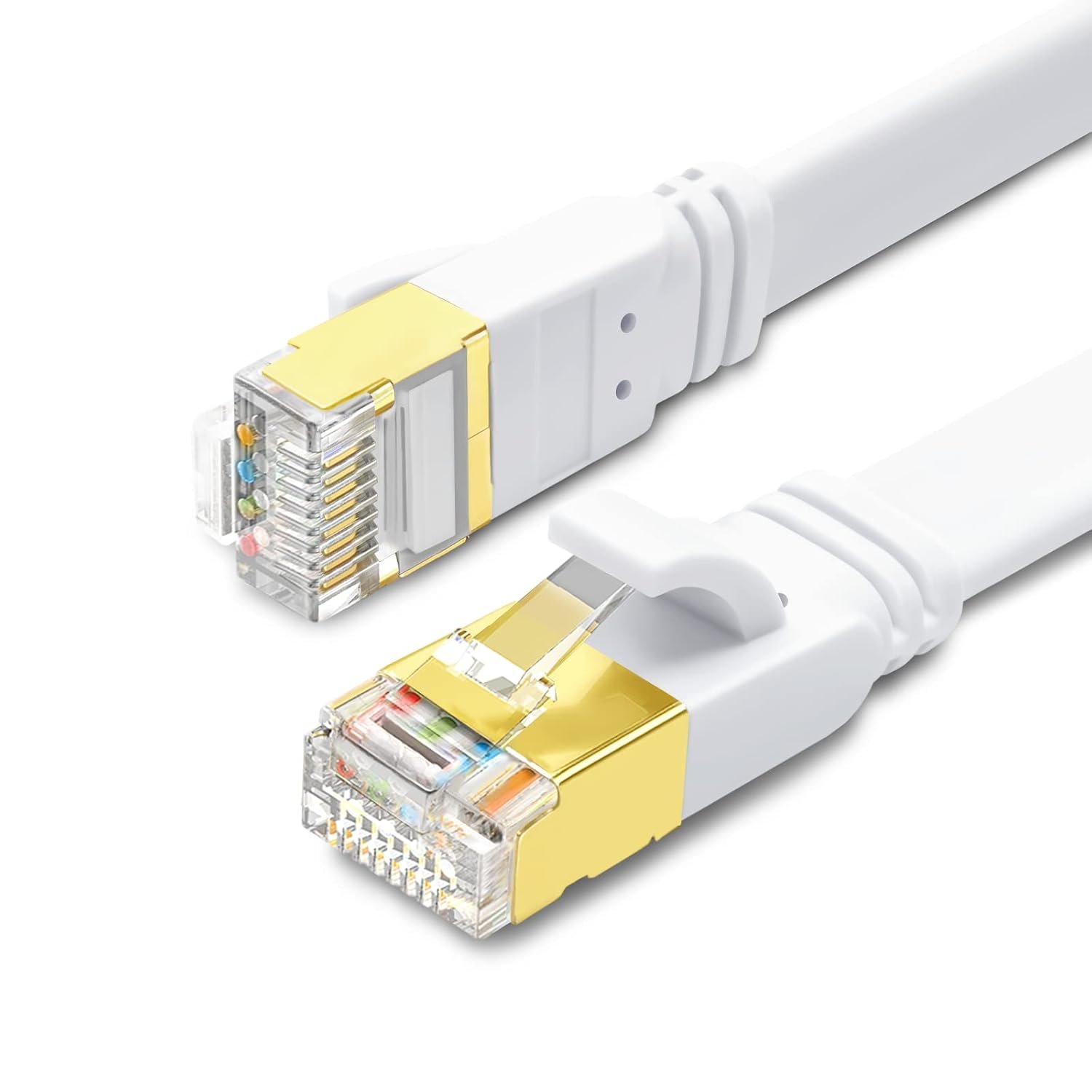
Ethernet cables and UniFi wireless access point
The Results You Can Expect
Flawless Working from Home: Rock-solid video calls with zero dropouts, even if the kids are gaming in the next room*
Fast, Consistent Wi-Fi Everywhere: Strong, uninterrupted coverage from the basement to the backyard.
A Digital Guard Dog for Your Family: smart-home devices stay connected but segregated onto their own isolated network, so if a device gets hacked, your private laptops, bank details, and family photos remain completely safe. The UniFi routers also feature full intrusion detection and prevention features, turned on by default.
Smooth streaming on every TV: no buffering or reduction in quality*
Full-speed online gaming: with no dropouts or lag*
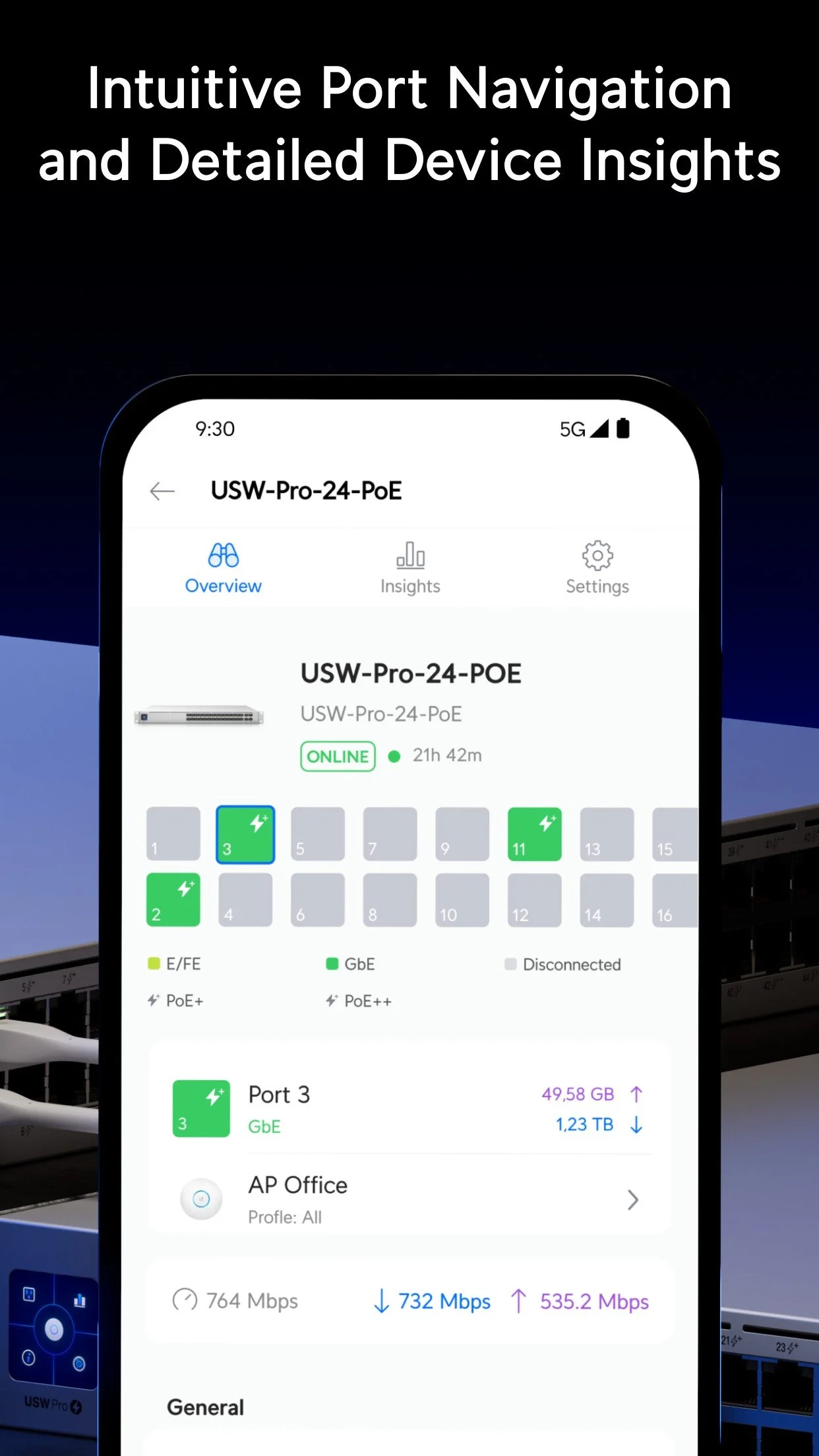
Total control: easy-to-use UniFi web and mobile apps
* Note that device performance is also dependent on your Internet service speed and quality, and the service providing your video/phone call, streaming video or game hosting.
Wires are Best
Firstly, where practical and agreed, we run in-wall network cables between your router and key devices that have an Ethernet port, such as computers, TVs, streaming devices, and game consoles. These cables terminate cleanly at wall plates which look as if they’ve always been there, like a TV jack or electrical outlet. Ethernet cables give the best possible network connection: full multi-gigabit speeds with no dropouts and not subject to interference or other environmental factors, while also reducing the load on the wireless network.
Wi-Fi for the Rest
Next, we install properly wired, strategically placed Wi‑Fi access points to deliver whole‑home coverage. Instead of relying on limited wireless mesh backhaul, which reduces speed and adds latency, each access point is connected directly to the router using Ethernet for maximum speed and rock‑solid reliability in every room.
No wireless mesh ‘pods’ that can only be rented for $5 to $10 a month.
Home Network Installation & Optimization
Having designed the network and selected the best components for your home, we install the premium UniFi hardware.
UniFi is trusted by many global organizations and does not require any licenses or subscriptions to run. You buy it once and own it forever. Learn more at www.ui.com.
1. Router
We safely configure your Internet provider's modem into bridge mode, bypassing cheap consumer routing software to let your new superior router handle your traffic cleanly. If you have a TV service over your Internet connection (IPTV), this is unaffected
2. Switch
If there are many wired connections or devices requiring Power over Ethernet (PoE), such as wireless access points and cameras, a central network switch is used to support these.
3. Wi-Fi Access Points
High-efficiency access points deliver fast, stable Wi‑Fi everywhere you need it.
4. Software configuration and optimization
VLANs created, firewall rules defined, client devices connected, Wi-Fi settings dialed in for your home, everything tested. You now have the best home network on your street.
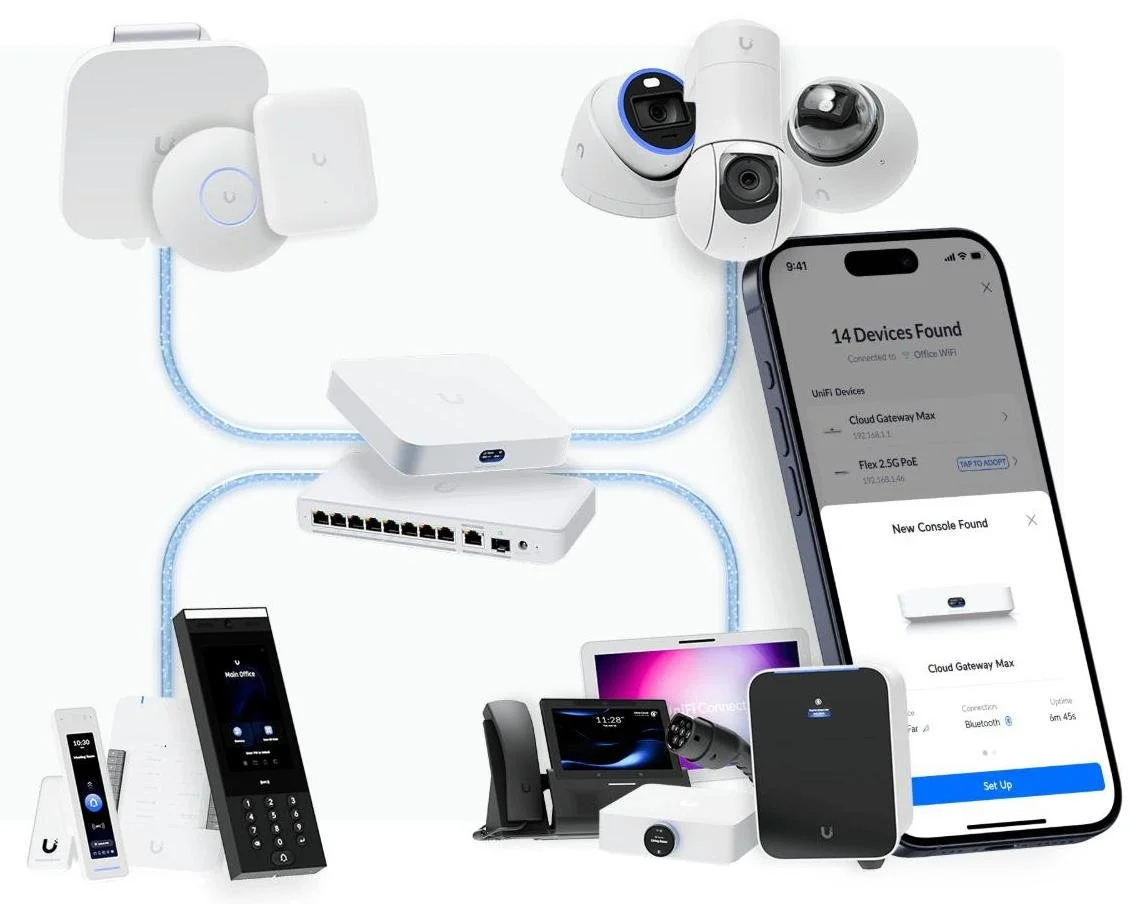
Network Segmentation (VLANs): The major differentiator from basic home networks
Different devices have different levels of trust and control. We segregate them accordingly, connecting vulnerable smart home gadgets (cameras, smart plugs, appliances) to their own secure network, which protects your main computers and personal data from external intrusion. This quietly makes the network faster, safer, and more reliable, without changing how anyone uses their devices. They’re invisible day‑to‑day, but they prevent problems that you would otherwise feel.
A Segmented Network
Trusted: Laptops, PCs, phones, servers. Devices you can control and store important data on.
Family: Smart TVs, kids’ tablets, media players, games consoles. Semi-trusted devices that can typically receive regular security updates.
Internet of Things (IoT): appliances, smart switches and sensors, thermostats, smart speakers, gym equipment. Devices that generally just need Internet access and should not be able to see your main systems and data.
Work: corporate laptops and phones. These routinely perform network discovery and security scans. Keep them contained to prevent interaction with personal devices, and stop the inquisitive, less secure IoT devices seeing your work systems.
Benefits of VLANs
Better performance: Separating devices into VLANs keeps the network fast and efficient. When one group of devices sends broadcast traffic, only devices in that group see it - everything else stays quiet. This reduces congestion and keeps speeds consistent, even in busy homes.
Better security: Sensitive devices - laptops, work computers, NAS units - are isolated from smart home gadgets and IoT devices. If a cheap smart plug or camera is compromised, the intruder cannot reach your important systems and files. This protection is built into the network design.
Better reliability at lower cost: VLANs let you create clean, separate networks using the same hardware you already have for one network. This is the enterprise approach, but simplified for a home.
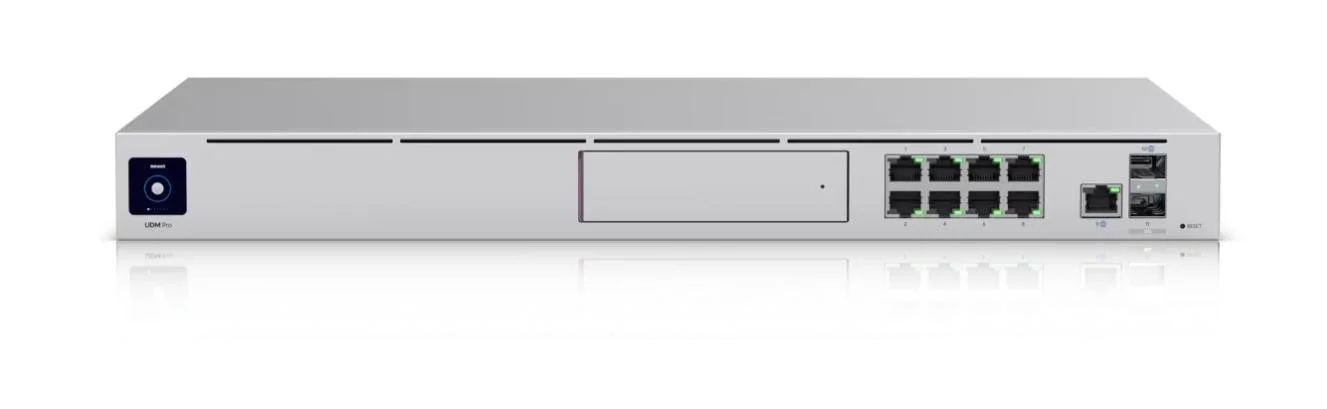
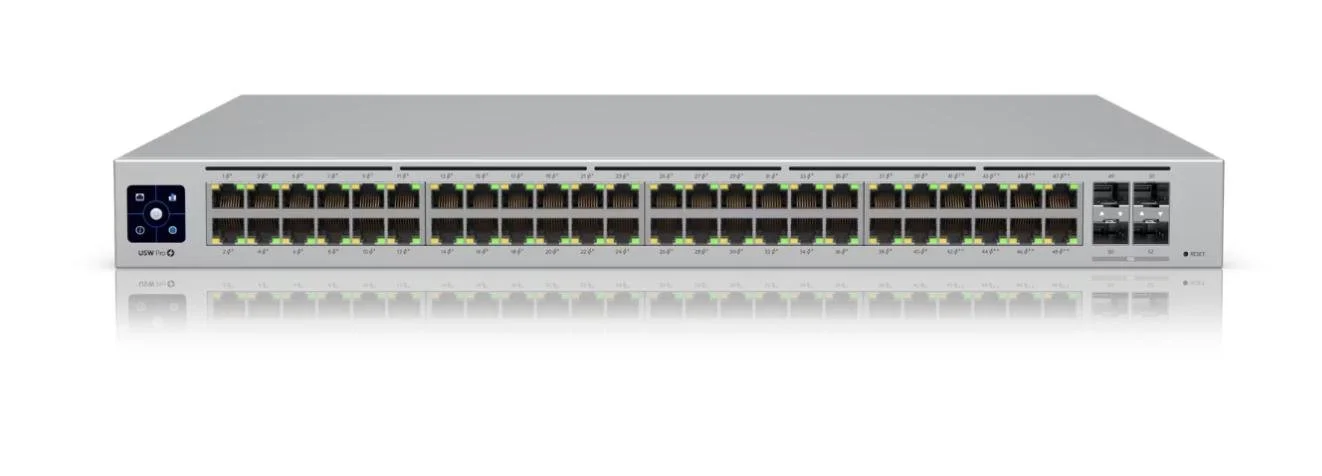
UniFi professional-level hardware for the serious home network: Dream Machine Pro and Switch Pro 48 with PoE
What this service includes
Network audit: identifying weak spots, interference, and bottlenecks
New network design: tailored to your home’s layout and usage
UniFi hardware installation: the right models selected for your needs
Security hardening: protecting your devices and privacy
Bridge mode configuration: bypassing ISP routers
Full system setup: channels, power levels, firewall, VLANs
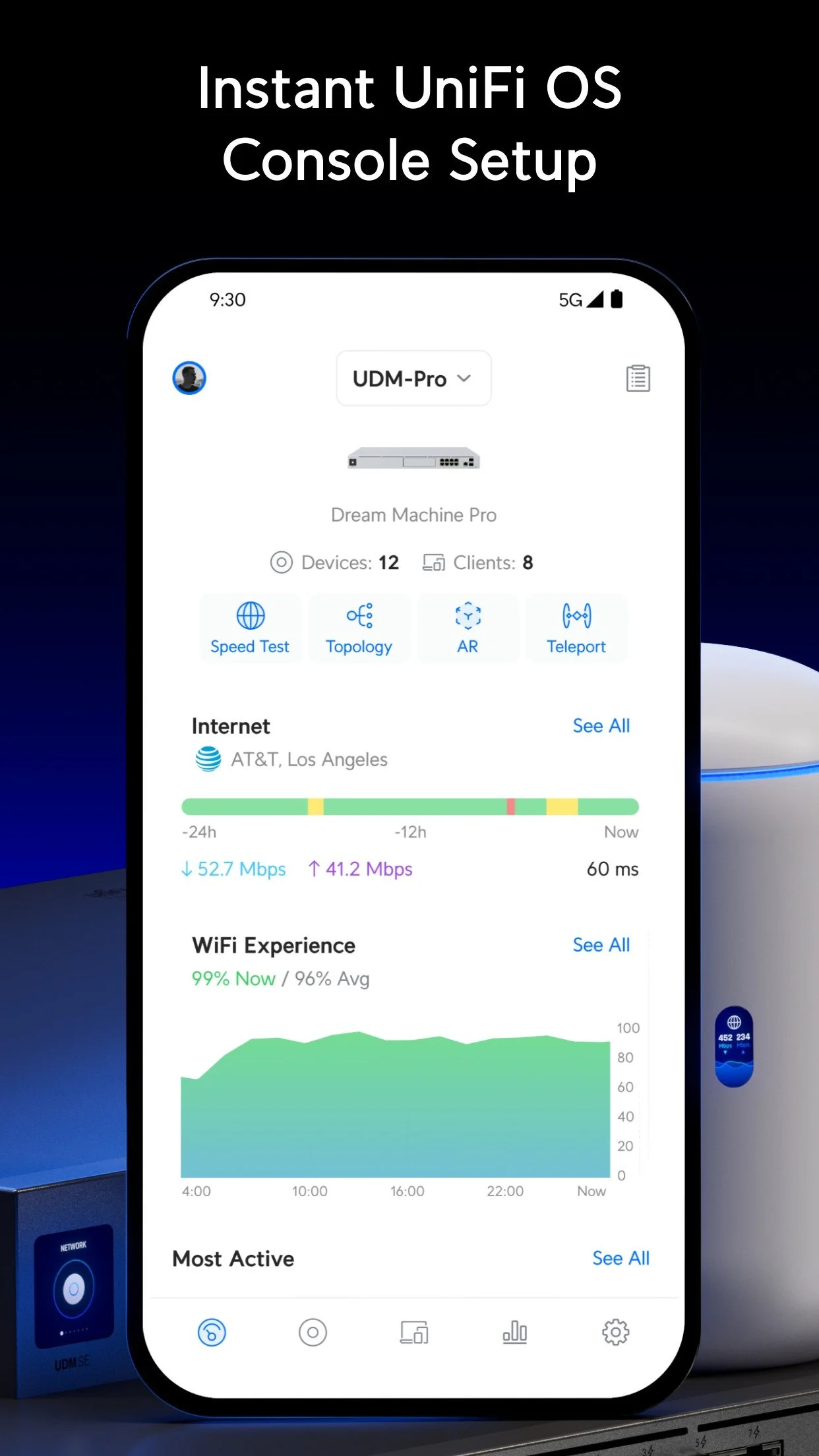
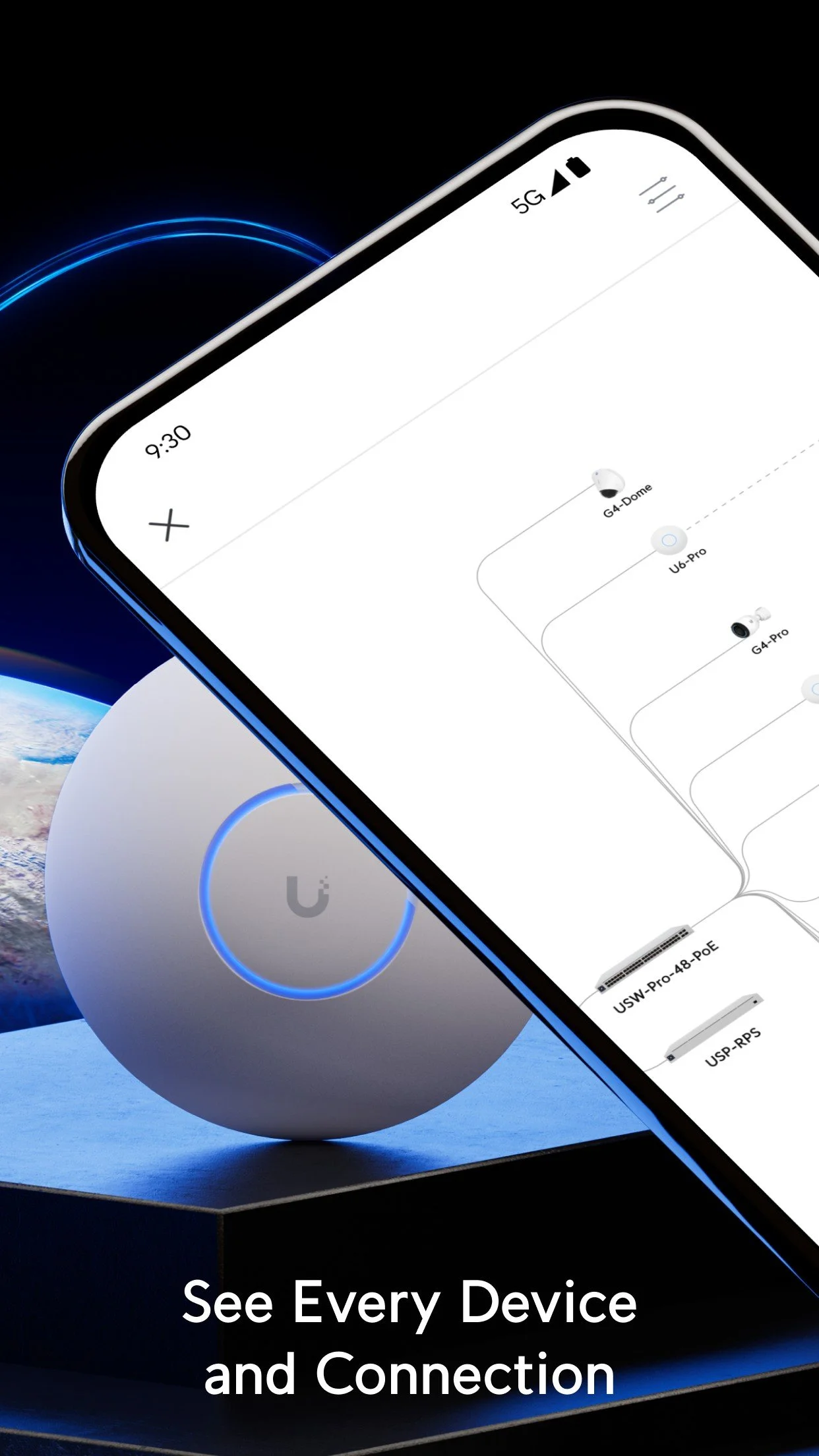
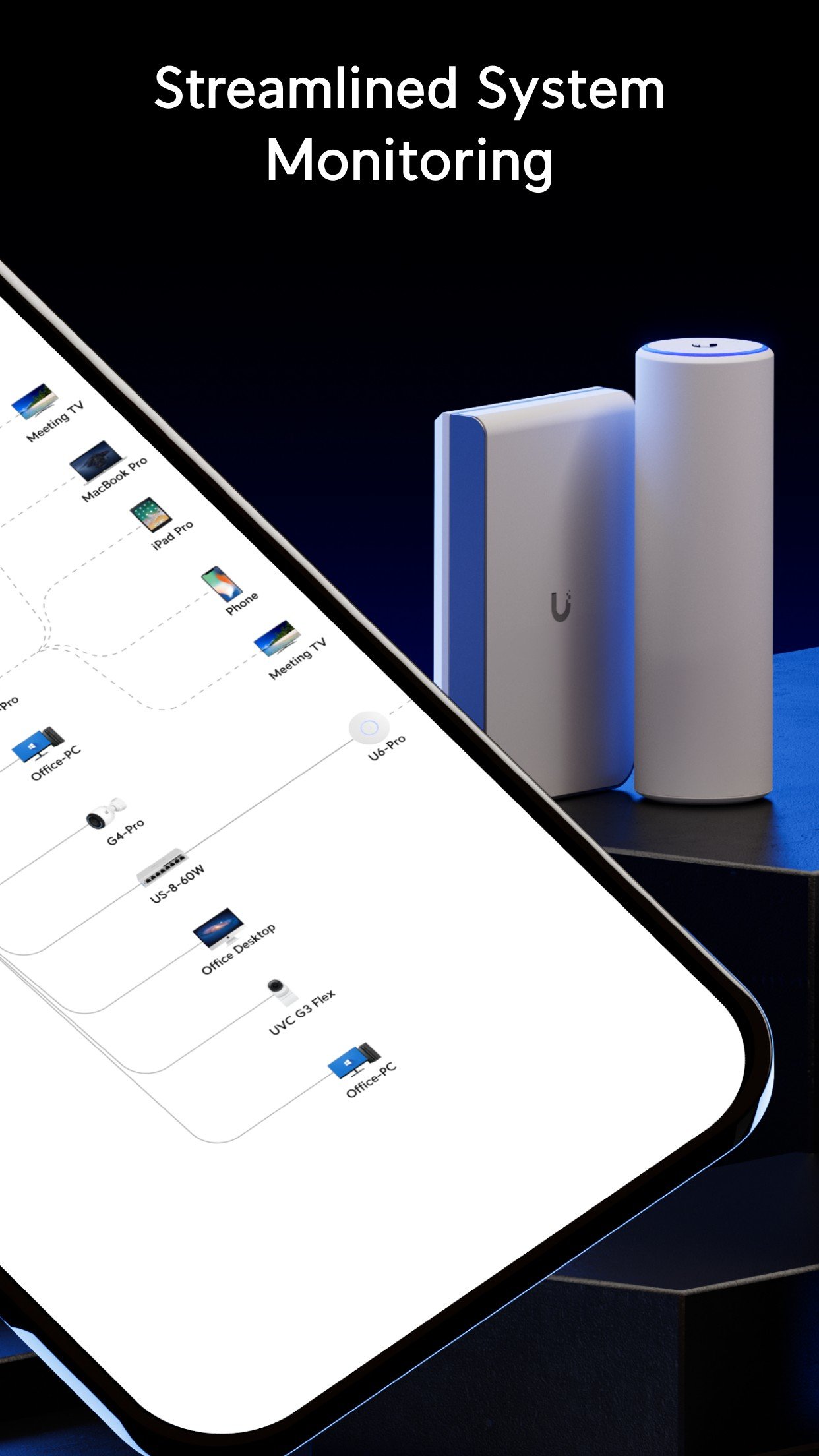
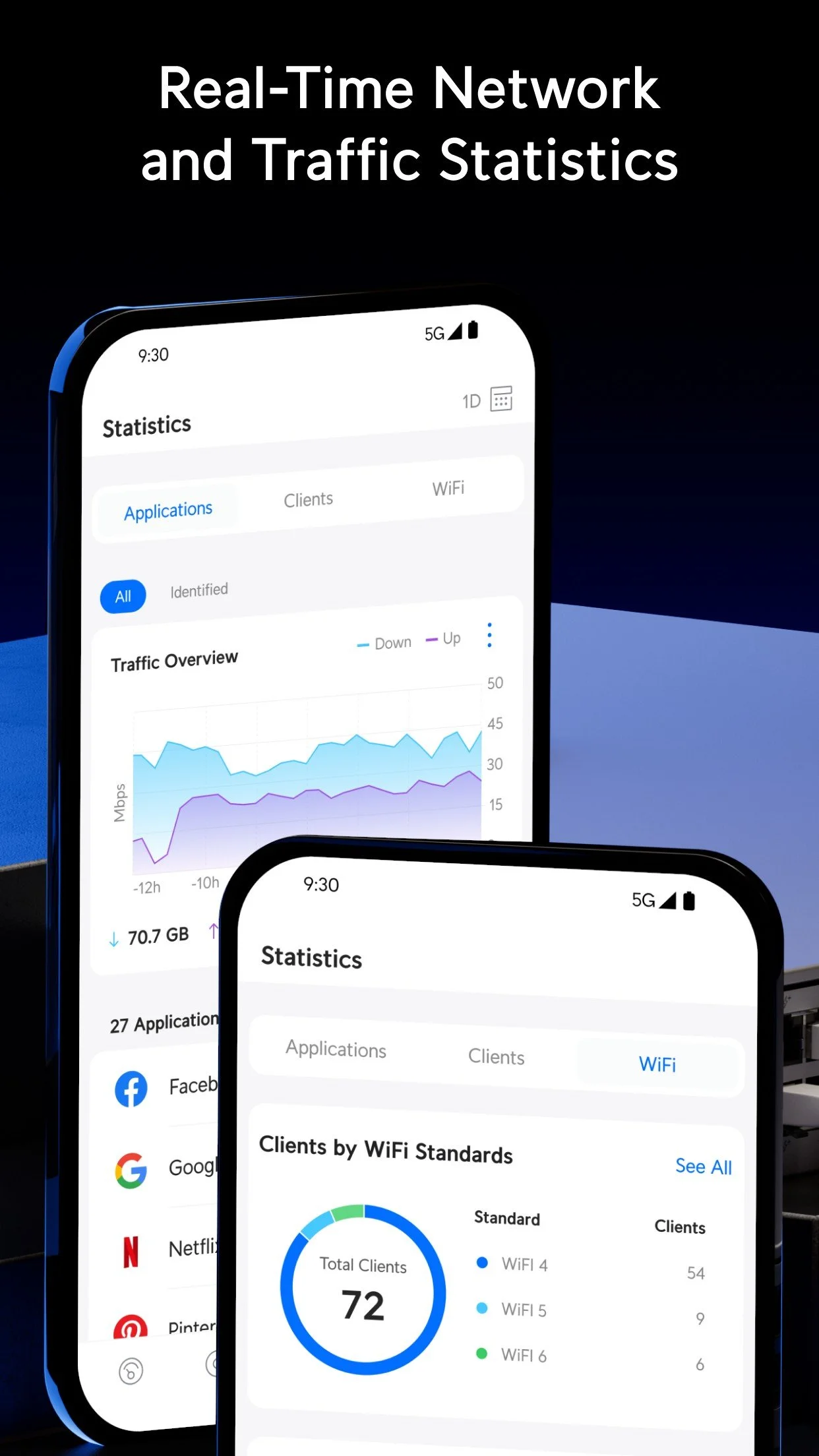
Control and monitor your network with the intuitive UniFi app
Start with a free design session to plan your ideal setup
Get in touch
Your documentation
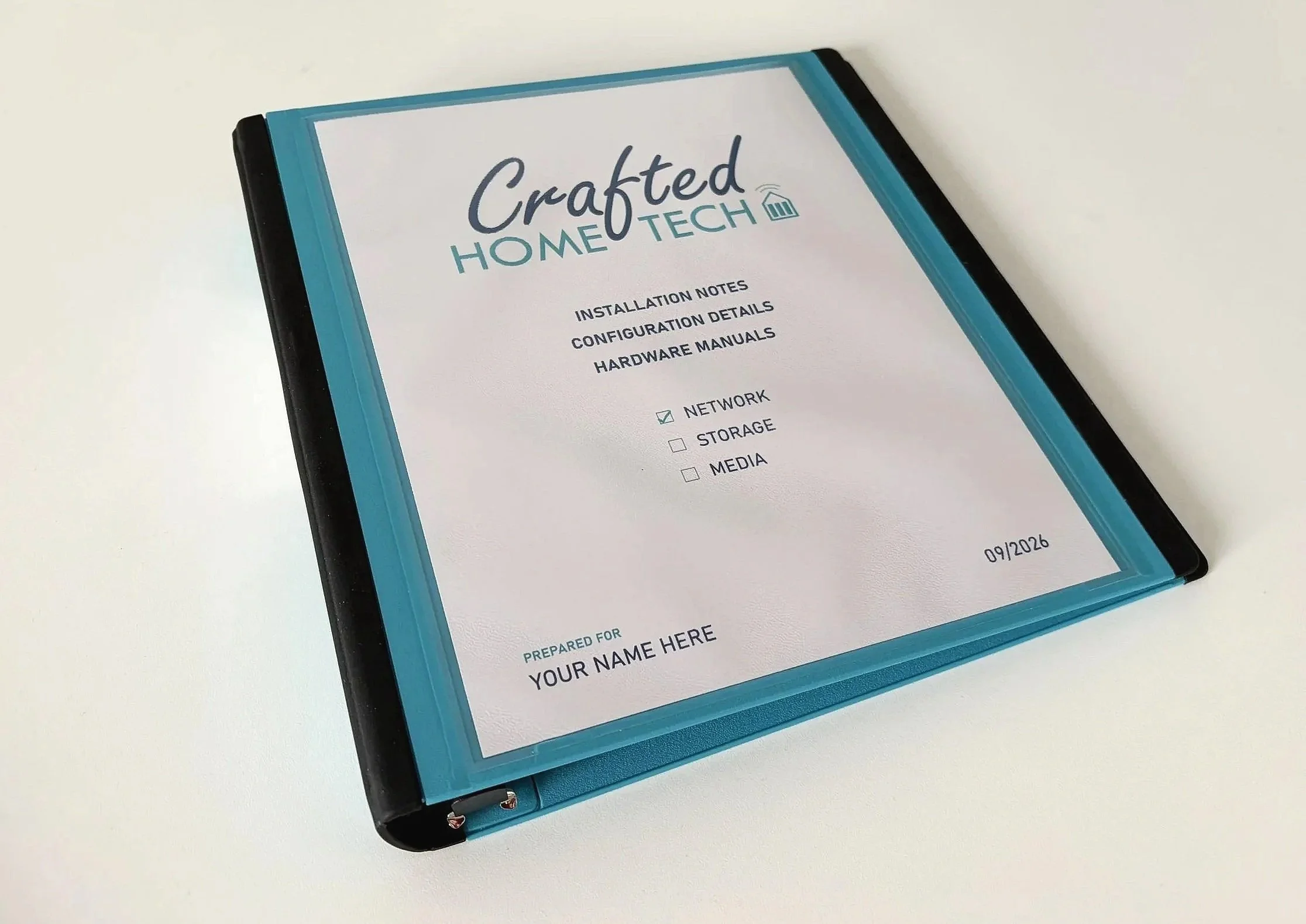
You will receive all product manuals, plus a custom binder with your specific configuration details, for easy reference.
Pricing
Every network build is tailored to your home and requirements, so total prices vary.
Hardware is billed at cost, and installation is quoted based on the specific requirements of your home.
UniFi routers start at $182 + tax with built-in Wi-Fi, which is often sufficient for apartments.
More capable home networks typically include hardware such as:
Router, e.g. Dream Machine Pro ($588)
PoE switch, e.g. Standard 16 PoE ($462)
Wi-Fi access points, e.g. U7-Pro ($257 each)
UPS battery backup (around $300-$400)
Small rack unit (around $500)
Crafted Build Service (no tax applicable)
This covers full installation, configuration and testing, starting at $1495, with final pricing depending on the scope of work - particularly when running new Ethernet cabling through the home.
Get in touch to discuss your upgrade.