
Why a Home Cloud Matters
Automatically protect your family’s photos, videos, and files, privately and securely. No subscriptions.
The dreaded "Storage Full" message. Irreplaceable family photos scattered across old phones, dusty USB drives, and various cloud accounts. Paying a never-ending monthly subscription fee, that only ever increases, just to prevent losing your family memories if you drop your phone.

It’s time to take control
Relying on big tech companies and monthly storage fees isn't your only option. We build a private, customized, high-capacity "vault" that sits safely inside your own home. It automatically backs up everyone's phones the second they walk through the front door and connect to your Wi-Fi. You own the physical box, you own the data, and you never pay a subscription fee again.
Your family’s photos, videos, and memories shouldn’t live on someone else’s servers. With a home cloud, everything stays in your home, protected by hardware you own and control. No scanning. No data mining. No subscriptions.

Why do I need this?
Google and Apple store your files in distant data centres. Your cloud stores them with you - privately, securely, and automatically.
Your data stays yours
Your storage never increases in price
Your files are protected even if a drive fails
Your family shares one unified library
Add more or larger drives as you need
No more “storage full” messages
No more lost photos when a phone breaks
No more hunting for files across devices
Everything backed up, organized, and accessible
A home cloud isn’t just storage. It’s peace of mind.
Start with a free design session to plan your ideal setup
Get in touch
Home Cloud (with Synology) vs Big Tech Cloud Storage: What You Actually Need to Know
Privacy & Control
Home Cloud - Your photos and files stay in your home, on a device you own. No scanning, no data mining, no AI analysis, no third‑party access.
Big Tech Clouds - Your data lives on someone else’s servers. It can be scanned for metadata, analysed for AI features, and stored in foreign jurisdictions.
Winner: Home Cloud - complete data sovereignty.
Family Photo Management
Synology Photos - Automatic backup from every phone, shared family albums, face recognition, full‑resolution originals stored safely at home.
Google/Apple Photos - Good features, but scattered across accounts, dependent on subscriptions, and tied to specific ecosystems.
Winner: Home Cloud - unified family library + privacy.
Access & Convenience
Home Cloud - Access your photos and files from anywhere using secure apps.
Big Tech Clouds - Also accessible anywhere, but tied to specific accounts and ecosystems.
Winner: Tie - both offer easy access, but Synology gives you control.
Reliability & Protection
Home Cloud - Multi‑drive protection (RAID) keeps your data safe even if a hard drive fails. You can also add immutable encrypted off‑site backup for disaster protection.
Big Tech Clouds - No protection against accidental deletion, account compromise, or billing issues. If your account is locked or hacked, your photos are at risk.
Winner: Home Cloud - hardware redundancy + optional off-site backup.
Cost Over Time
Home Cloud - One‑time hardware purchase. No monthly fees. No storage upsells.
Big Tech Clouds - Monthly subscription forever. As your photo library grows, you’re pushed into higher-priced tiers.
Winner: Home Cloud - predictable, subscription-free, cheaper over the long term.
Long‑Term Safety of Memories
Home Cloud - You own the hardware. You control the drives. You decide how backups work. Your memories stay safe.
Big Tech Clouds - If pricing changes, policies change, or accounts get locked, your access can be restricted.
Winner: Home Cloud - long-term stability.
| Category | Home Cloud | Big Tech Clouds |
|---|---|---|
| Privacy | In home, private | Scanned, analysed, remote |
| Control | You own everything | Provider controls access |
| Cost | No subscriptions | Monthly fees forever |
| Protection | Multi‑drive redundancy | No guarantee against data loss |
| Family Photos | Unified library | Scattered across accounts |
| Access | Secure apps, anywhere | Anywhere, but ecosystem locked |
| Long‑Term Safety | Stable, owned | Dependent on provider |
What You Get
Crafted Home Tech designs, builds, and installs Synology‑powered home clouds that quietly protect your digital life in the background. The product family is called Network Attached Storage (NAS). It is a secure, dedicated computer that lives safely inside your home, providing your family with massive storage capacity and complete data sovereignty. It is smaller, quieter and uses far less power than a desktop computer. Its content is accessible to devices on your home network as you see fit, and from anywhere with secure access (if you wish).
In addition, it can also control and store footage from almost any IP-based security cameras you may have.
We take the guesswork and confusion out of choosing the right model, the right drives and how many, and configuring it all in your home so it works for you.

Automated photo protection
We configure your phones to automatically back up photos and videos while on your home Wi-Fi, keeping your memories safe even if you lose your phone.
Multi‑drive protection
We install multi-bay systems and multiple hard drives. If a drive fails, your data remains perfectly intact and accessible.
Integration
Your new private storage will appear as just another drive on all home computers and laptops, for effortless file dropping.
Efficient storage
Storing your photos, videos and files centrally removes wasted space due to duplication across devices and reduces space used on each PC or laptop, extending their useful lives.

White-glove migration
We don't just hand you a box; we build a system that is ready to use. We structure your digital file system logically for the whole family, transfer your files to the new server and show you how it all works.
Off-site protection
Optionally, set up an automatic transfer to a secure cloud facility in Canada for ultimate peace of mind. Our recommendation is Backblaze, a leader in cloud storage with over 500,000 customers. Unlike other clouds, your files are encrypted so they cannot be read, and replicated across drives, servers and even geographic regions.
NAS Options and Services
While every build is custom to your requirements, here are some of the options that will be discussed and covered. We explain everything and provide recommendations to get the right combination of features, performance, security and cost for you.
Model selection - choosing the right system for your home, from 2 to 18 bays
Hard drives - at least two, NAS-optimised, best value for storage required with room to grow
Optional SSD high-speed cache
Configure RAID for 1 or 2-drive redundancy
Configure NAS with DNS name/static IP
Map drives on PC/Mac to NAS locations
Transfer files from each PC/Mac to NAS
Drive and file structuring
Synology Photos app on NAS and user devices
Configure automatic backup of photos + videos to NAS
Cloud Sync for backup to cloud
Synology Drive app for remote file access - installed and configured
Active Insight app for monitoring - installed and configured
Your documentation
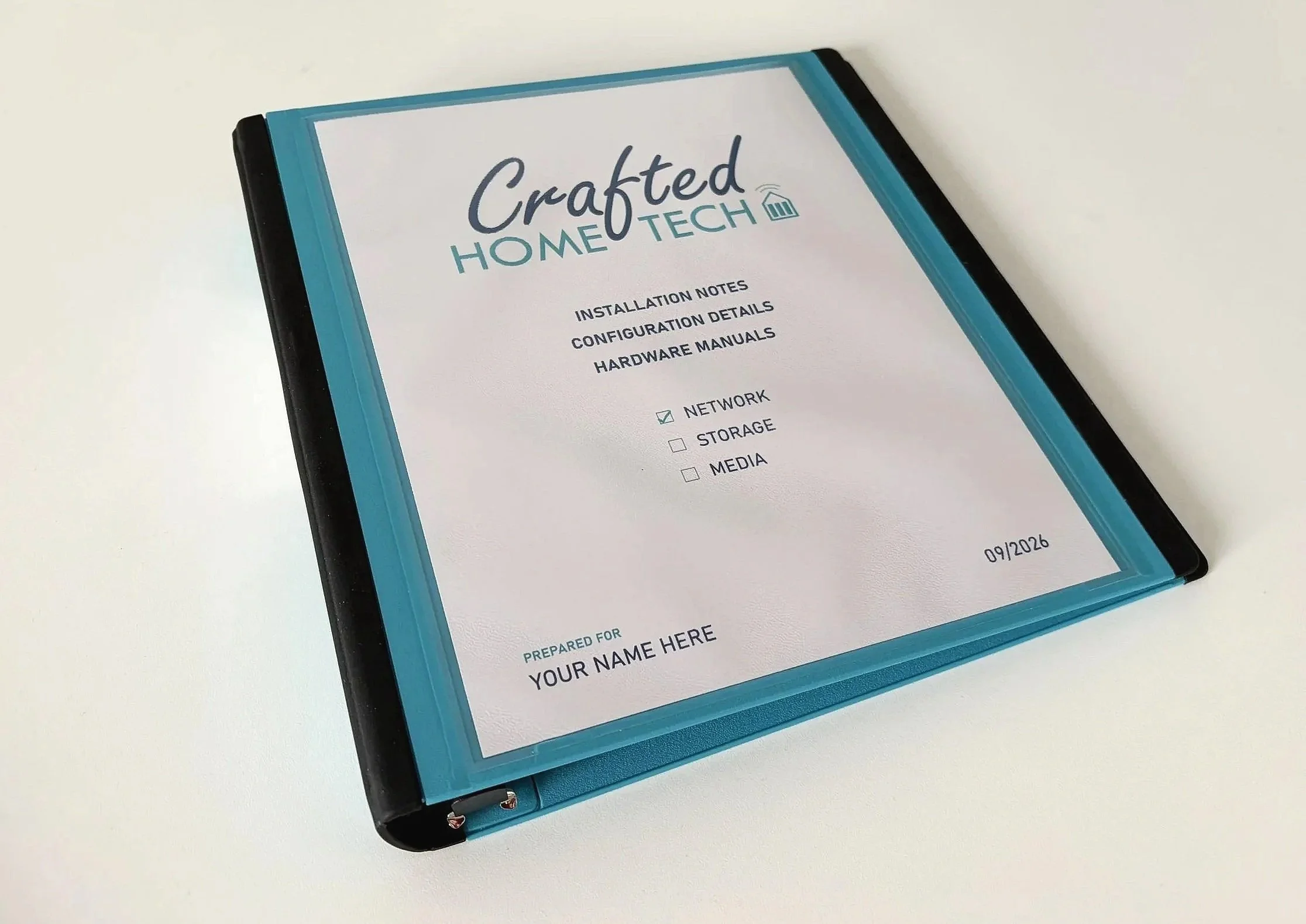
You will receive all product manuals, plus a custom binder with your specific configuration details, for easy reference.
Sample Home Cloud Setup
Here is an example of a balanced setup for everyday family use, but remember everything we build is handcrafted to your exact needs.

Synology NAS, model DS925+
4 drive bays, 4-core CPU, 4GB memory
Port for expansion unit to add 5 more drives
2.5Gb networking
Full details at synology.com/en-ca/products/DS925+
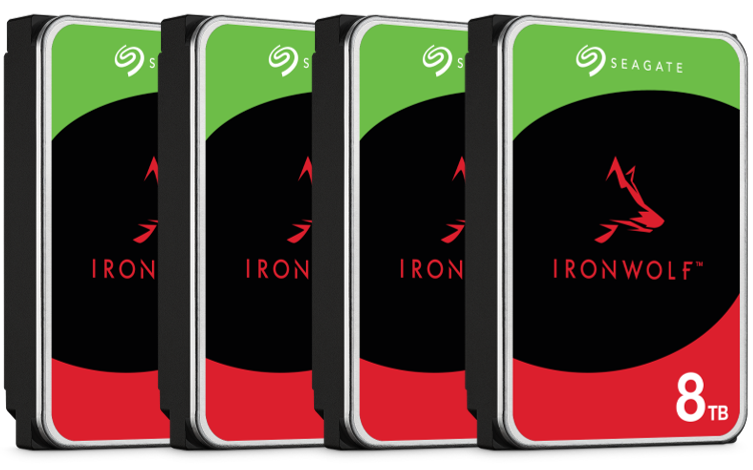
Four (4) Seagate Ironwolf 8TB NAS hard drives
Specifically built for less wear and tear, little to no noise/vibration, no lags or down time, increased file-sharing performance, and lower power consumption.
Enjoy long-term reliability with 1 million hours mean time between failure, three-year limited warranty and three-year Rescue Data Recovery Services plan.

Configured with protection against one drive failure: 21TB of available capacity - enough for over 950,000 high-resolution RAW format photos, or over 700 full-quality Blu-ray movies.
Or with protection against two drives failing at the same time, still 14TB of available space.
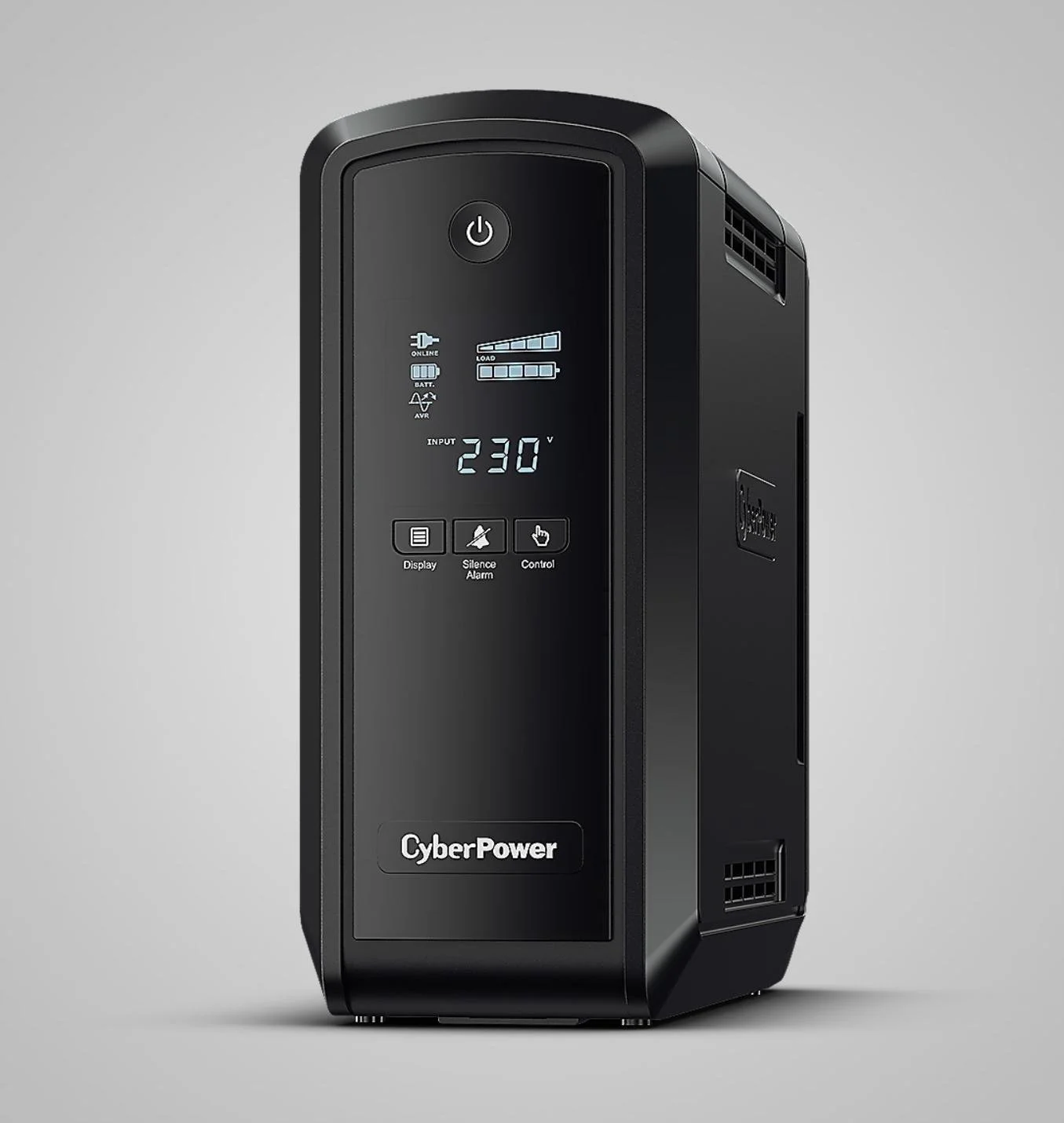
CyberPower Uninterruptible Power Supply
An essential part of a reliable storage system, a UPS protects against both power cuts and ‘dirty’ power fluctuations, which can damage sensitive electronics and corrupt data stored on hard drives.
The UPS communicates with the NAS, providing power while its battery lasts during an outage, and allowing the NAS to shut down gracefully if the battery level reaches a preset limit, further protecting your hardware and files.
Your Crafted Build
Install and check hard drives
Set up UPS, connect to NAS and configure
Fault-tolerant RAID configuration for 1 or 2-drive redundancy
Configure DNS name/static IP
Schedule data scrubbing and drive health checks
Configure immutable snapshots (ransomware protection)
PC/Mac drive mapping
Drive and file structuring
Transfer files from each PC/Mac to NAS
Synology Photos app on NAS and devices
Automatic backup of phone photos + videos
Configure Hyper Backup for backup to cloud
Security hardening - 2FA, auto block rules etc
Synology Drive app on NAS and devices
Synology DS Finder app on devices
Family onboarding session - system overview, apps, cloud backups
Products registered in your name
Personal documentation binder
Pricing
These figures are approximate because hardware prices fluctuate, but they represent the minimum investment for a reliable, long‑lasting home cloud system. Most families will choose more storage, future expansion potential and greater data protection.
Get in touch to discuss your ideal build.
Crafted Build Service - $1450 flat fee (no tax applicable)
This covers the full design, installation, and configuration as detailed above.
With two drive bays, mirrored drives are the only option for data protection - against one drive failure, but means storage capacity is that of one drive only (4TB). One drive for storage, the other to mirror it. Either can fail without data loss.
Hardware (billed at cost)
A minimal starter system includes:
2‑bay Synology NAS - around $300
IronWolf drives - 2 × 4TB, around $270 each
UPS battery backup - around $200
Hardware total: $1040 + 13% tax = $1175
Complete packages start at approximately $2625